Available 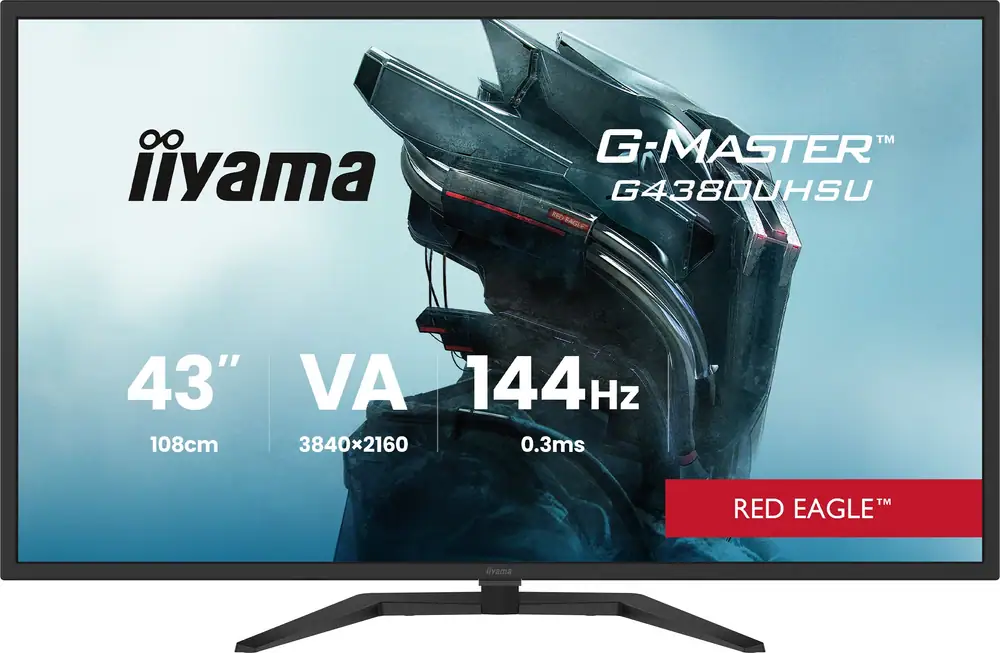
iiyama G-Master 43" 4K Ultra HD 144Hz Gaming Monitor
from £449.
£449
Rated 5.0 / 5 from up to 1 reviews
Colours tracked: Black
Iiyama Monitors
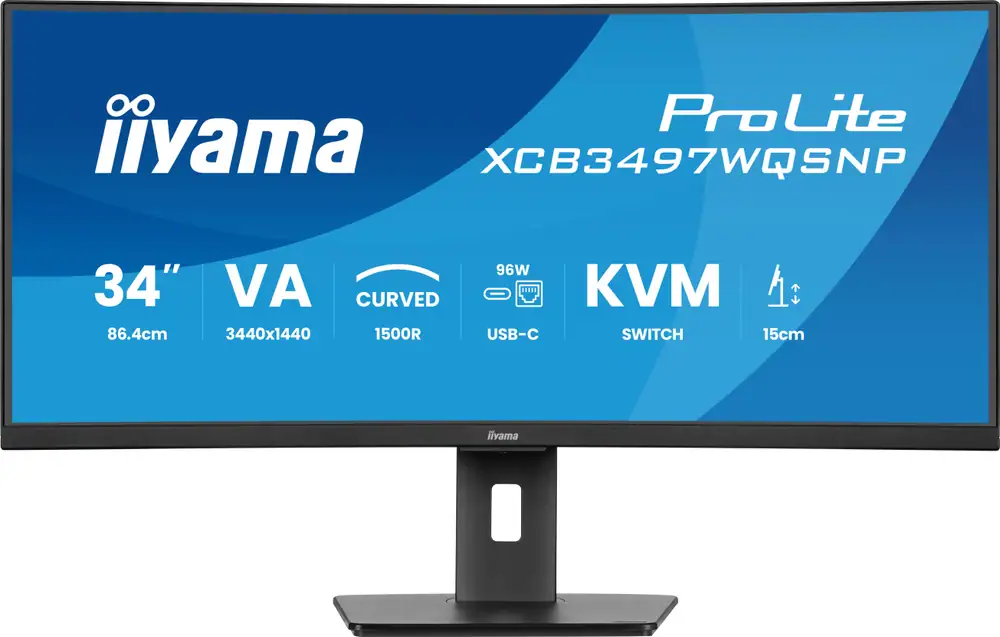
The iiyama ProLite XCB3497WQSNP-B1 is a 34-inch UWQHD curved monitor that looks best suited to tidy, productivity-first desk setups, but the small review count means it is worth comparing carefully at £300.
ReviewX may earn a commission if you buy through links on this site.
Last verified: 2026-10-16
The iiyama ProLite XCB3497WQSNP-B1 is a 34-inch UWQHD curved monitor that leans toward productivity rather than gaming-first shopping. Its main draw is the mix of ultrawide workspace, USB-C docking, KVM and hub convenience, which can make a single-screen desk feel far tidier. At £300, it sits well above the small comparison median, so it makes most sense as a shortlist pick if you will actually use those extra features. The visible 4.5 rating from up to 2 reviews is encouraging, but the tiny review count means you should keep expectations measured and check the live listing before buying.
iiyama ProLite XCB3497WQSNP-B1 34" UWQHD 120Hz Curved Monitor is listed with 1 colour option from £300. The visible colours include Black, so use the table to compare the option that matches the exact size, colour, format or specification you want. Always confirm the final checkout price, delivery charge and stock status on the retailer page.
| Colour | Key spec | Price | Stock | Last checked | Link |
|---|---|---|---|---|---|
| Black | Check retailer | £300 | In stock | 2026-10-16 | View |
These are the retailer details worth checking first for iiyama ProLite XCB3497WQSNP-B1 34" UWQHD 120Hz Curved Monitor: Brand: Iiyama; Type: Monitors; Colours tracked: Black; Price range: £300. Treat them as a quick fact sheet, then use the retailer page to verify any installation, warranty, delivery or model-number details before buying.
| Brand | Iiyama |
|---|---|
| Type | Monitors |
| Colours tracked | Black |
| Price range | £300 |
| Owner rating signal | 4.5 out of 5 from up to 2 reviews |
| Last checked | 2026-10-16 |
The AO listing identifies this model as the iiyama ProLite XCB3497WQSNP-B1 34-inch UWQHD 120Hz Curved Monitor in Black. The page was not fully accessible during checking, so live details such as current stock, delivery charges and any small spec notes should be confirmed on AO before checkout. The tracked starting price is £300, and there is 1 tracked variant, which is about the same as the comparable-product median. Because the listing access was limited, treat the retailer page as the final source for exact colour, price and availability.
The clearest theme in the available commentary is not raw display power, but desk practicality. Review coverage repeatedly points to the 34-inch ultrawide workspace, 120Hz refresh and USB-C docking with KVM as the reasons to buy. In real terms, that means it is aimed at people who want several windows open at once, plus a neater laptop connection and easier switching between devices. The limitation is that the visible buyer-review pool is very small and much of the commentary comes from specialist write-ups, so you should read the praise as useful direction rather than broad market proof.
The biggest trade-off is price against usefulness. At £300, this sits £171 above the comparable-product median of £129, and the nearest tracked alternatives include cheaper LG monitors at £179 and £79, plus smaller 27-inch and 21.5-inch options that may fit tighter budgets or smaller desks better. The iiyama only looks good value if the 34-inch size, USB-C docking and KVM genuinely save you time or desk space; if you just want a basic screen, the cheaper alternatives are easier to justify. Also remember that the 120Hz figure should be read in context: it is a useful spec, but it does not automatically make this a gaming-first choice.
The current £300 starting price places this monitor above the benchmark median of £129, so it is clearly not a budget pick. That premium makes the most sense if the 34-inch ultrawide layout and the one-cable desk convenience of USB-C docking, KVM and a built-in hub will genuinely cut cable clutter and reduce desk friction day to day. If those features are only nice-to-have extras for you, the cheaper comparison options start to look more sensible because they cost much less while giving up only some screen size and convenience. Always check the retailer for the latest price and availability, because the balance changes fast when stock or offers move.
Compared with 27-inch and 21.5-inch alternatives, the iiyama’s 34-inch ultrawide format gives you much more horizontal workspace for side-by-side windows and a more immersive desk presence. Versus simpler monitors, the USB-C, KVM and hub features are the real differentiator, not just the 120Hz refresh. If your desk is compact, a smaller screen may be easier to place and cheaper to run; if your workflow is laptop-heavy, the iiyama’s dock-style feature set could be the more practical upgrade. The choice here is less about raw specs and more about whether the monitor replaces extra accessories on your desk.
The visible owner-rating details is 4.5 out of 5, but it is based on up to 2 reviews, so it should be treated as a small snapshot rather than a strong verdict. That is a useful sign, but not enough to offset the thin public review pool for this exact SKU. Specialist commentary is present and generally positive about the ultrawide workspace and convenience features, yet it still leaves gaps around day-to-day confidence for ordinary buyers. In practice, this means you should treat the rating as encouraging, not decisive.
This monitor looks best for office-style multitasking, tidy laptop dock setups and shoppers who want one screen to handle several jobs at once. The 34-inch ultrawide layout is the biggest practical selling point, especially if you regularly work with spreadsheets, documents and browser tabs side by side. It should also suit buyers who value a cleaner desk and would rather build around USB-C docking, KVM switching and a built-in hub than add separate accessories. If that sounds like your setup, it belongs on the shortlist.
If you are shopping for a gaming-first monitor, you should compare carefully rather than assume the 120Hz spec makes this the right buy. The available commentary positions it more as a productivity ultrawide, and the £300 price makes less sense if you do not need the dock-style extras. Shoppers with a tight budget or a small desk may also prefer a cheaper 27-inch or 21.5-inch alternative, especially if they do not need the wider workspace. In short, this is not the best match for anyone who just wants a simple screen at the lowest possible cost.
The curved 34-inch form is aimed at making a wide desktop feel easier to take in, especially when you are working across multiple windows. For everyday office use, the useful question is not just whether the screen is large, but whether the ultrawide layout and 120Hz refresh improve comfort enough to justify the price over smaller 27-inch options. Because the product information emphasises USB-C, KVM and a built-in hub, the everyday benefit here is really desk organisation as much as display size. If your priority is a neat, all-in-one workstation, that combination could be more valuable than decorative extras.
The value case comes down to whether the iiyama ProLite XCB3497WQSNP-B1 saves you enough desk clutter and setup time to justify £300. Against the £129 comparable-product median, you are paying a clear premium, but you are also getting a 34-inch ultrawide panel plus USB-C docking, KVM and hub convenience that simpler monitors do not offer. If you use a laptop at the desk every day, that can be a practical upgrade rather than just a spec list. If those features will sit unused, the cheaper LG alternatives in the comparison set are easier to justify. Check the current price, stock and live spec details on AO before deciding whether it stays on your shortlist.
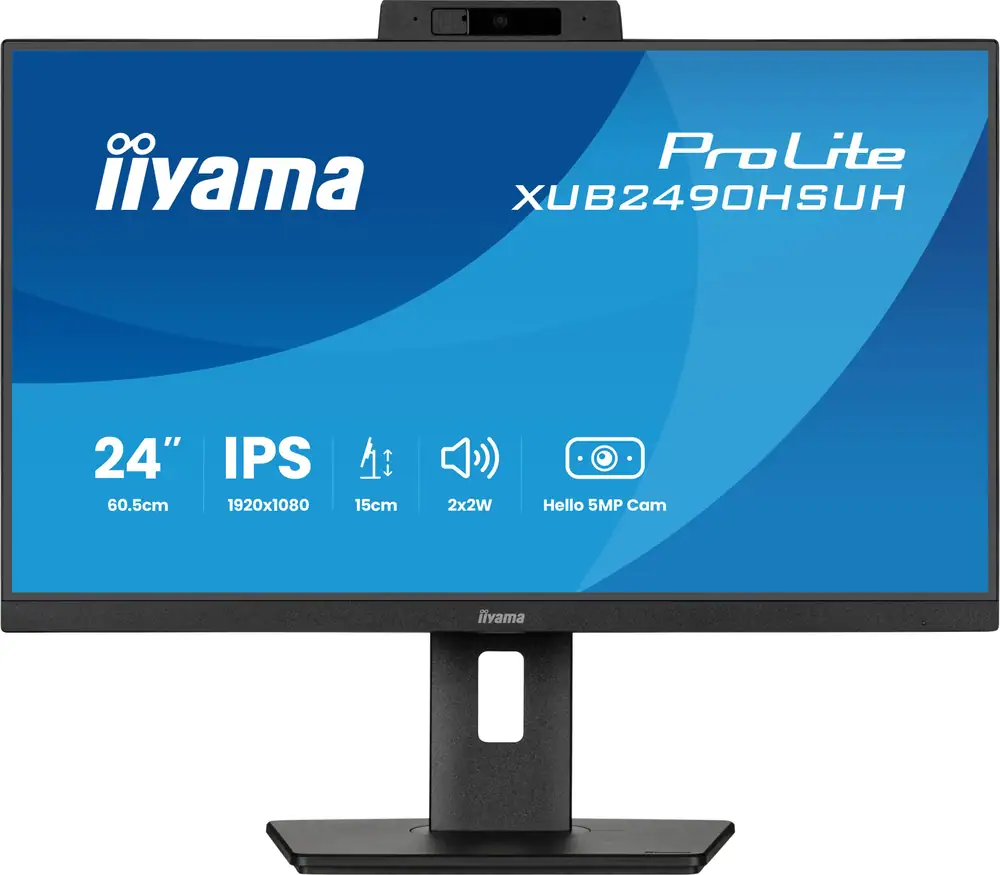
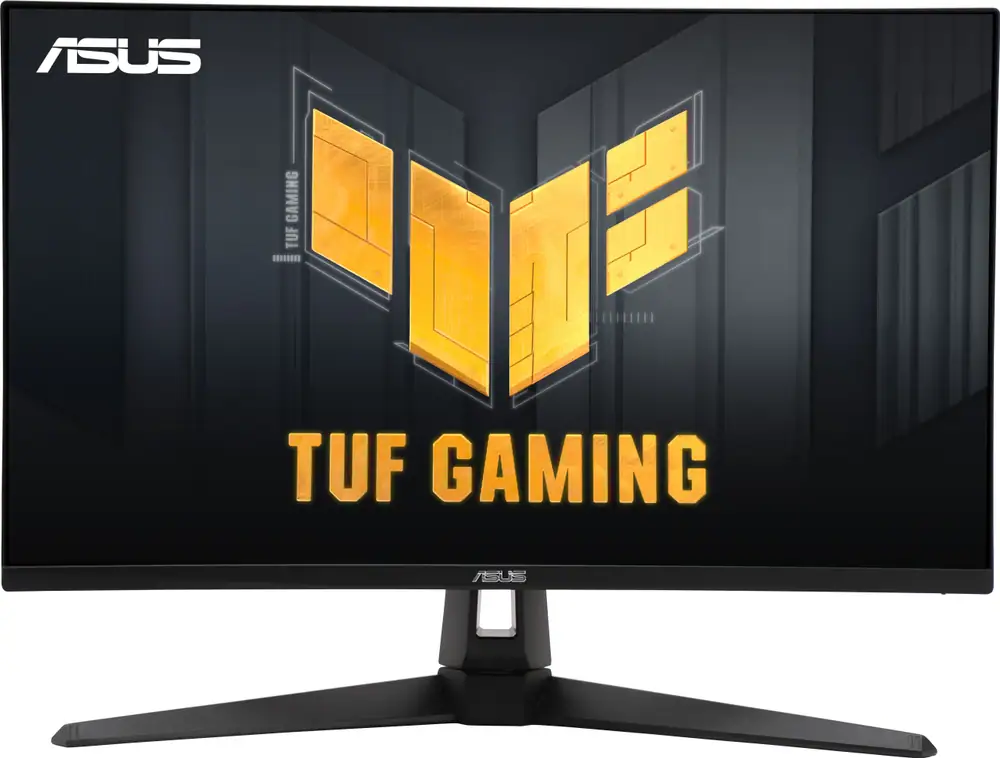
The closest alternatives to compare with iiyama ProLite XCB3497WQSNP-B1 34" UWQHD 120Hz Curved Monitor include iiyama G-Master 43" 4K Ultra HD 144Hz Gaming Monitor, iiyama ProLite XUB2490HSUH-B2 24" Full HD 100Hz Monitor, ASUS TUF Gaming VG27UQ1A 27" 4K Ultra HD 160Hz Gaming Monitor with FreeSync Premium. Use these cards to check whether a nearby model gives you a better price, a more suitable specification or a clearer match for your space and budget.
from £449.
£449
Rated 5.0 / 5 from up to 1 reviews
Colours tracked: Black
from £140.
£140
Rated 5.0 / 5 from up to 1 reviews
Colours tracked: Black
from £299.
£299
Rated 5.0 / 5 from up to 1 reviews
Colours tracked: Black
Last checked 2026-10-16. The source list below is included to help you check the details behind the comparison. Always confirm the latest price, delivery cost, stock status and product details with the retailer before buying.
These related guides and reviews can help you compare nearby options before buying.
Yes, it looks most convincing for office-style multitasking because the 34-inch ultrawide layout gives you more room for side-by-side windows. The USB-C docking, KVM and hub features also make it attractive if you want a tidier laptop-to-monitor setup, but the £300 price means it is best compared with cheaper alternatives first.
It can, especially if you want one cable to handle display and desk connectivity and you regularly switch between devices. The convenience story is a big part of this monitor’s appeal, but you should still check the live AO listing for the exact USB-C power delivery and KVM details before relying on it for your workflow.
Only if you will use the extra productivity features. The current price sits well above the comparable-product median and above the cheaper LG alternatives in the tracked set, so the value comes from the 34-inch ultrawide space, USB-C docking and KVM rather than from being a basic bargain screen.
Treat it as a positive sign, but not a strong proof point. A 4.5 average from up to 2 reviews is too small to carry much weight on its own, so it is better used as a soft confidence check alongside the product specs, price and the limited specialist commentary.
It is best suited to shoppers who want a productivity-first ultrawide, especially office multitaskers and laptop users who value a tidy one-cable desk setup. If you are buying mainly for gaming or you want the cheapest possible monitor, there are better-matched alternatives to compare first.